Invoice Settings
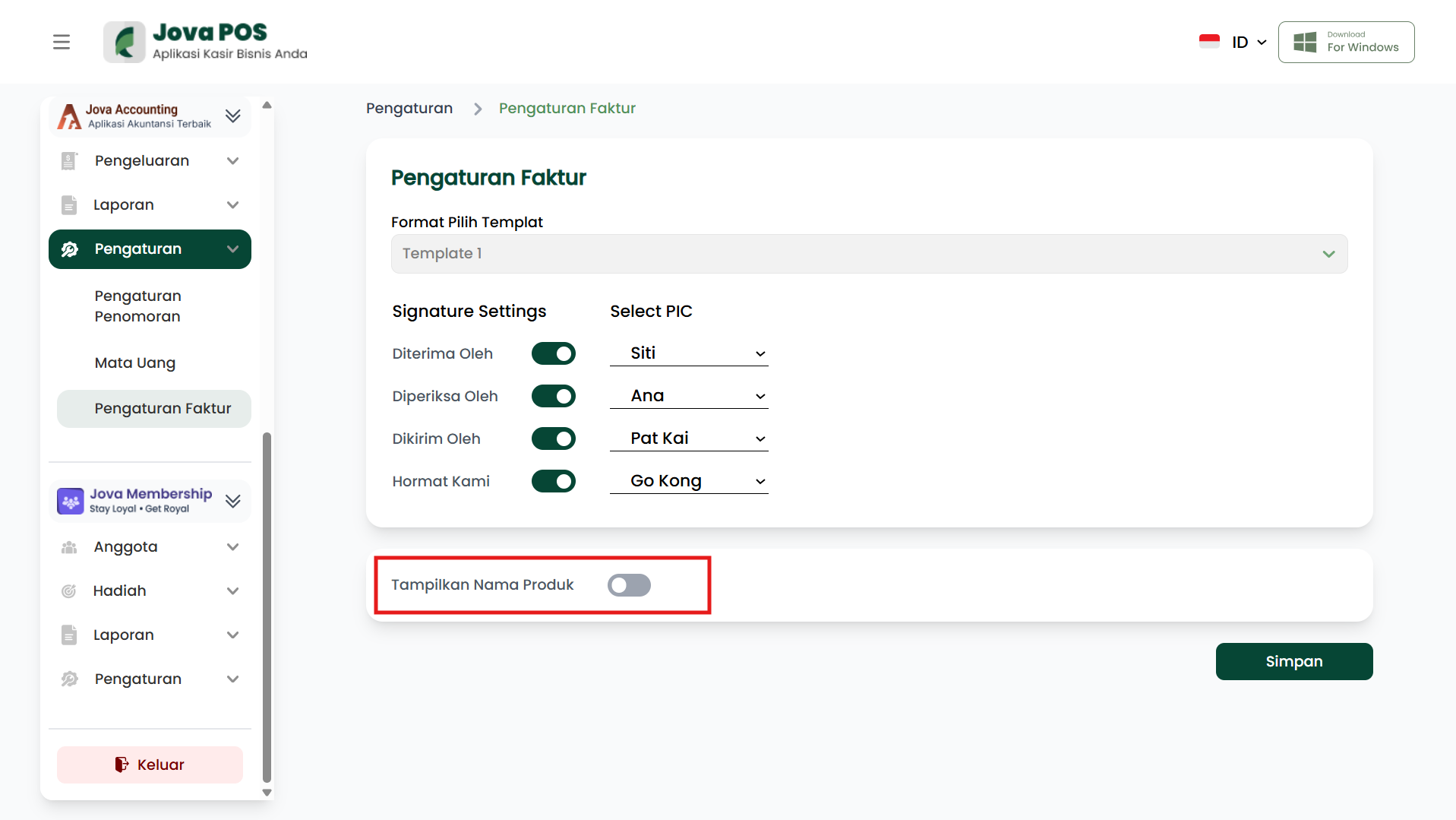
The Invoice Settings menu is used to customize the display and settings of invoices issued by the Jova POS system. You can select a template, set signatures, and choose whether to display product names on the invoice.
1. Opening Invoice Settings
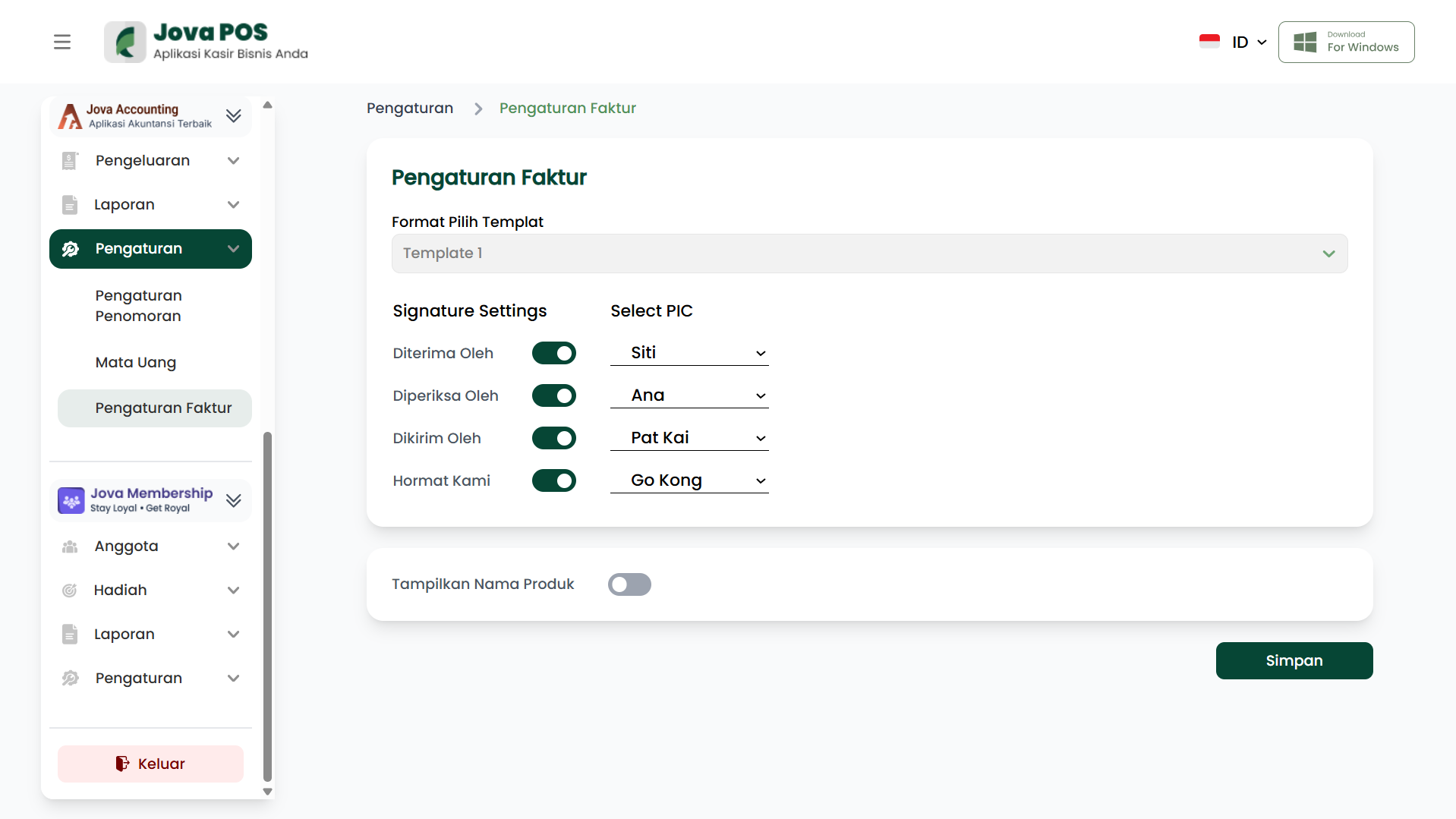
- Open the Settings menu in the sidebar.
- Select Invoice Settings.
After the page opens, you can configure the format and signatures on invoices to be issued.
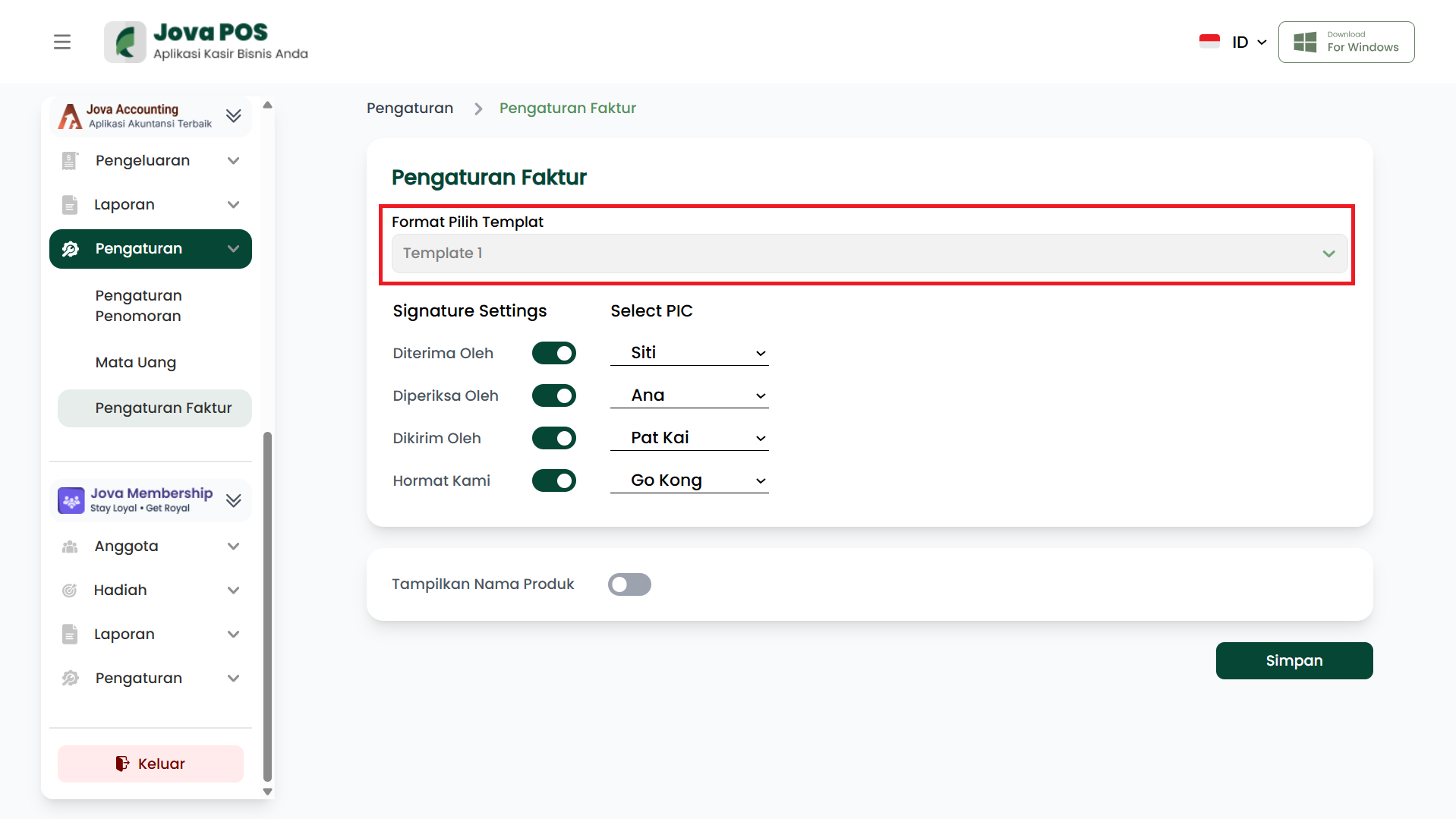
2. Setting Template Format
Currently, the system uses a default template format for issued invoices. There are no options to select a different template.
3. Setting Signature Settings
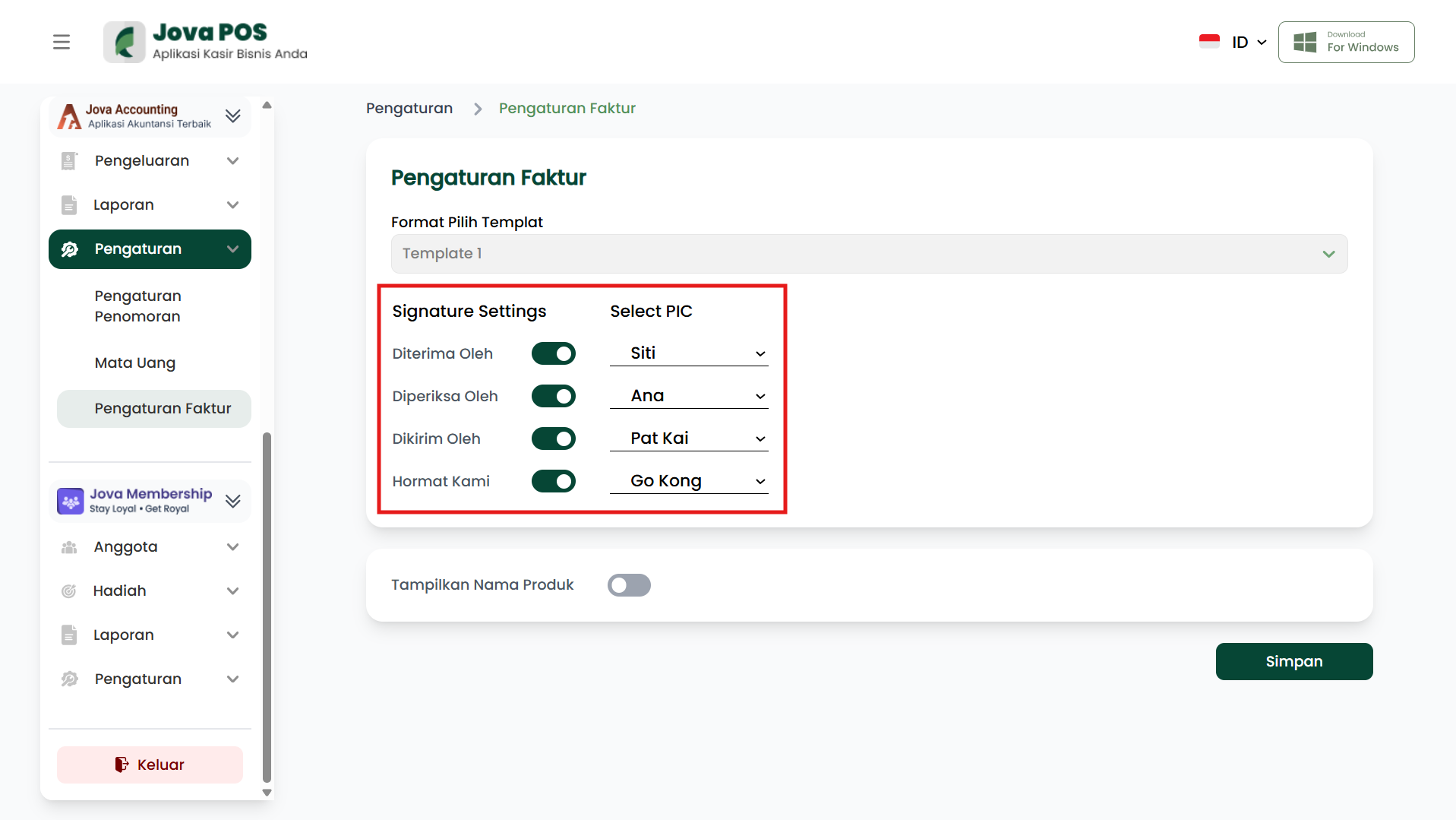
The Signature Settings section allows you to determine who will sign the invoice.
-
Received By
Select the person responsible for receiving goods or payments. -
Checked By
Select the person responsible for checking goods or transactions. -
Sent By
Select the person responsible for sending goods. -
Respectfully
Select the person responsible for providing the signature in the respectfully section of the invoice.
4. Displaying Product Name
If you want to display product names on the invoice, enable the Show Product Name option.
- Show Product Name
If enabled, product names will appear on the issued invoice.
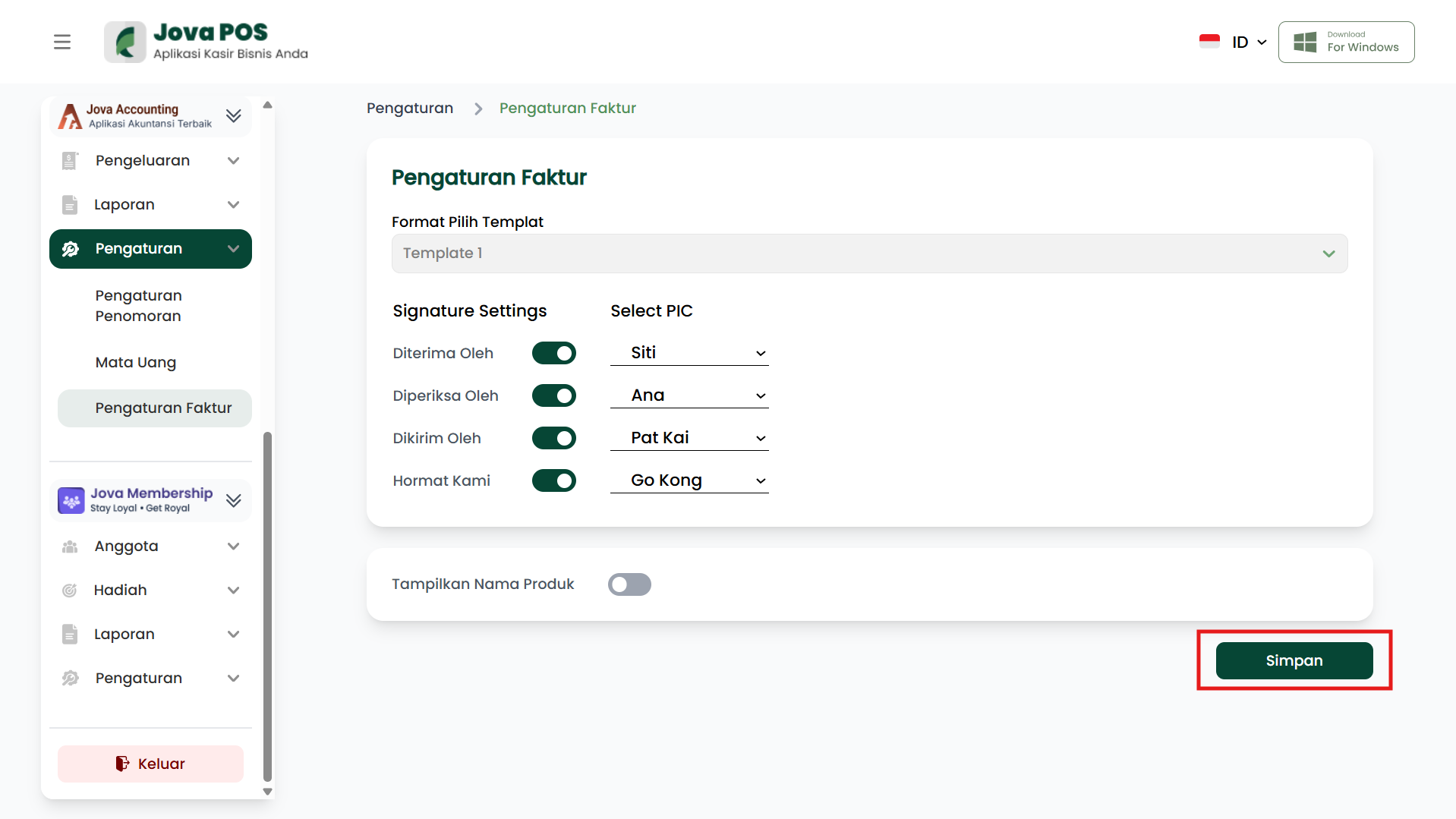
5. Saving Settings
After finishing the invoice settings, click the Save button to save the changes made.